Smart Launcher 6 ‧ Home Screen Mod APK 6.6 build 002 patch 1 (Pro)

Born to give you back control and beauty, not just speed.

,,,
Name Smart Launcher 6 ‧ Home Screen Smart Launcher 6 ‧ Home Screen is the most famous version in the Smart Launcher 6 ‧ Home Screen series of publisher Smart Launcher Team
PublisherLauncherSmartSmart Launcher TeamTeam
Genre Personalization
Size 20 MB
Version 6.6 build 002 patch 1
Update Jan 26, 2026
MOD Pro
Get it On Google Play
Report Report Apps
Rating
★★★★★ 0 / 5 (0 vote)
Download (20 MB)

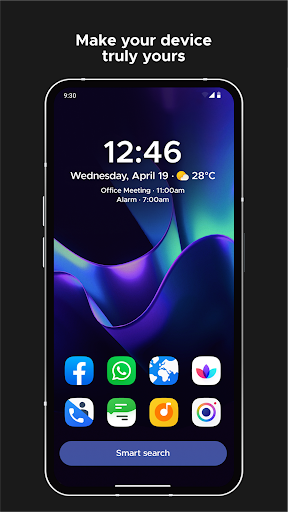
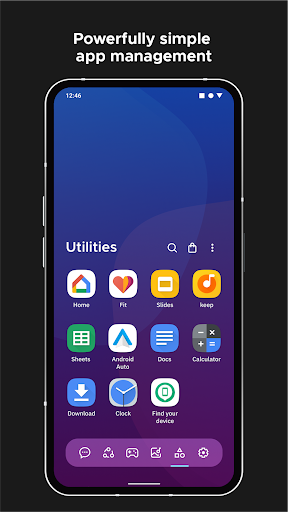
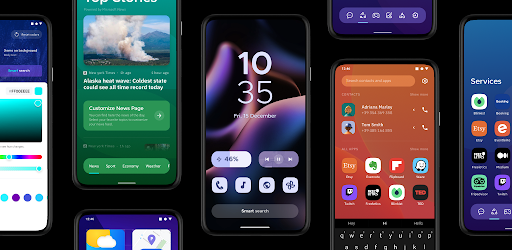
Smart Launcher – a program to convert the user interface devices on the Android platform. Unlike other similar utilities that offer many are not always necessary features, this app offers a minimalistic and intuitive design without the need of extra settings. Installing this launcher, the user gets a Desk with six icons and displaying the time and date.

Each icon in Smart Launcher is interactive, and gives access to the desired processes: calls, messages, Google Play store and beyond. Therefore, the smartphone control and data editing is easily. There is also a menu of games and applications, which sorts of programs depending on their belonging to a certain category, but for convenience, you can carry out and self-sorting.

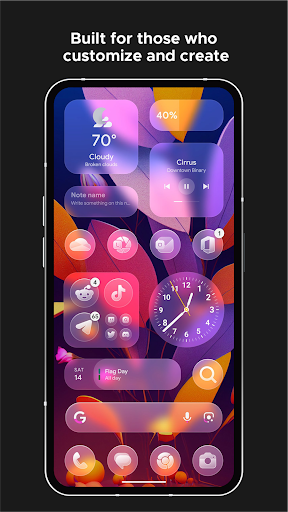
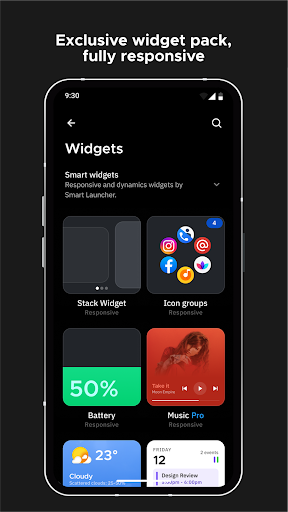
In addition, the app supports widgets and install it on your home screen live Wallpaper. Smart Launcher 5 – perfect for lovers of minimalistic design and users who want to transform the graphical interface of your gadget.

Report

– New! Choose how many contacts and apps show on the Search Panel start screen
– New! label options for folder options (on-off, two-line labels)
– New! Drawer scrollbar is now draggable for quick scroll
– New! Smartspacer integration: if installed, you can add it in Panel Manager
– Drastically improved search performances
– Fixes for drag and drop
– Haptic feedback for icon gestures
– Stack widgets are now configurable
– Google searches are not forced to SafeSearch anymore

Report

Download ( 20 MB )

You are now ready to download Smart Launcher 6 ‧ Home Screen for free. Here are some notes:

  • Please check our installation guide.
  • To check the CPU and GPU of Android device, please use CPU-Z app

Leave a Comment

Your email address will not be published. Required fields are marked *

×